 Skip to content
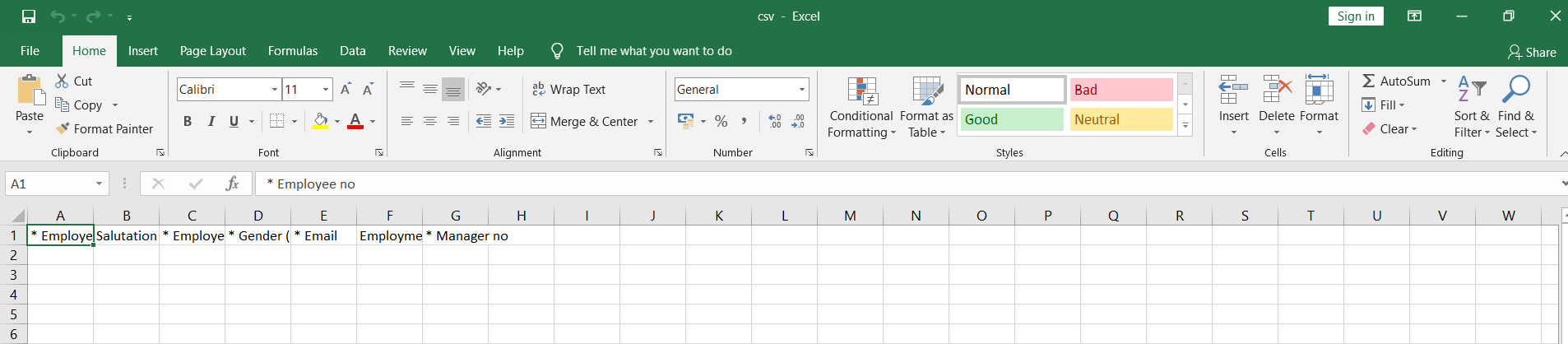
This help page demonstrates how to open a CSV file, a delimited text file that uses a comma to separate values. To open the file in MS Excel, you need to:
● Download the file on the system.
● Right click the CSV file and select Open With.
● Select the format as Excel. The file opens up in MS Excel.
Suggested Links





