 Skip to content
This help page gives a brief description to ensure employees read and accept the company policy documents in Empxtrack. They can access the app once they accept documents.
A company policy is a set of rules that employers create to set formal expectations and standards for their employees. It covers various aspects such as employee health and safety, accountability, best practices, and processes within the company.
Organizations often upload company policy documents on the employee portal, but they go unnoticed.
To ensure employees read and accept company policy documents, follow the steps:
● Log into the Empxtrack application as HR.
● Click on Product Configurations and go to Company policy documents.
● Select the checkbox labeled “Force users to accept new policy documents” and then add the new company policy documents or update the existing ones.
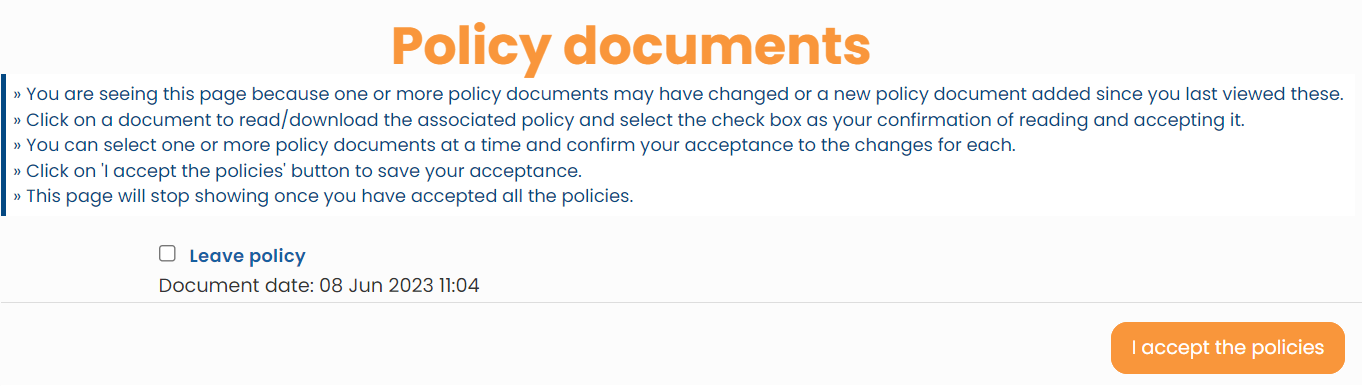
● Login as an employee. A Policy Documents page opens up making it mandatory for employees to read and accept all the recently added or updated documents and policies.
Employees can access the application once they accept all policy documents.
Suggested Links





