 Skip to content
Empxtrack supports multiple salary structures for different grades of employees. To view your salary structure, you need to:
● Log into the system as an Employee.
● On the Dashboards page, go to Role and features menu  and click Salary records.

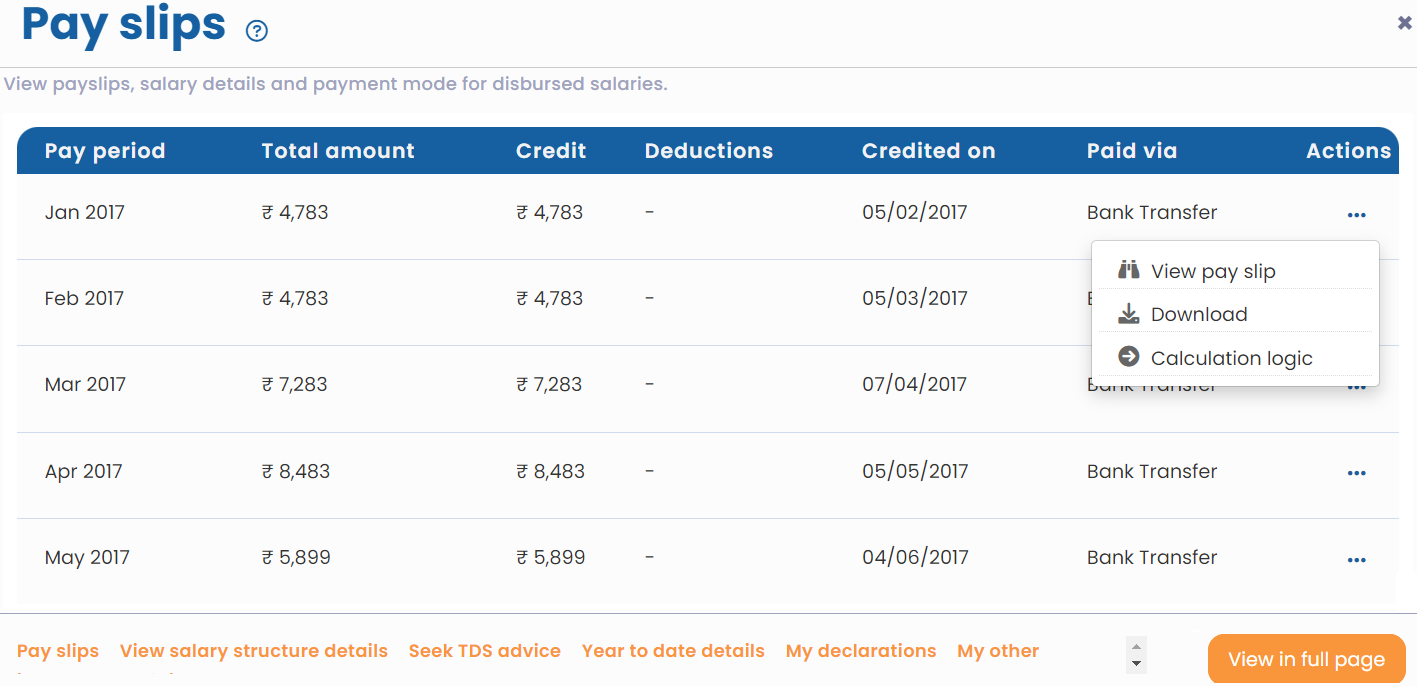
● A new page appears where employees can view payslips, salary details and payment mode for disbursed salaries.
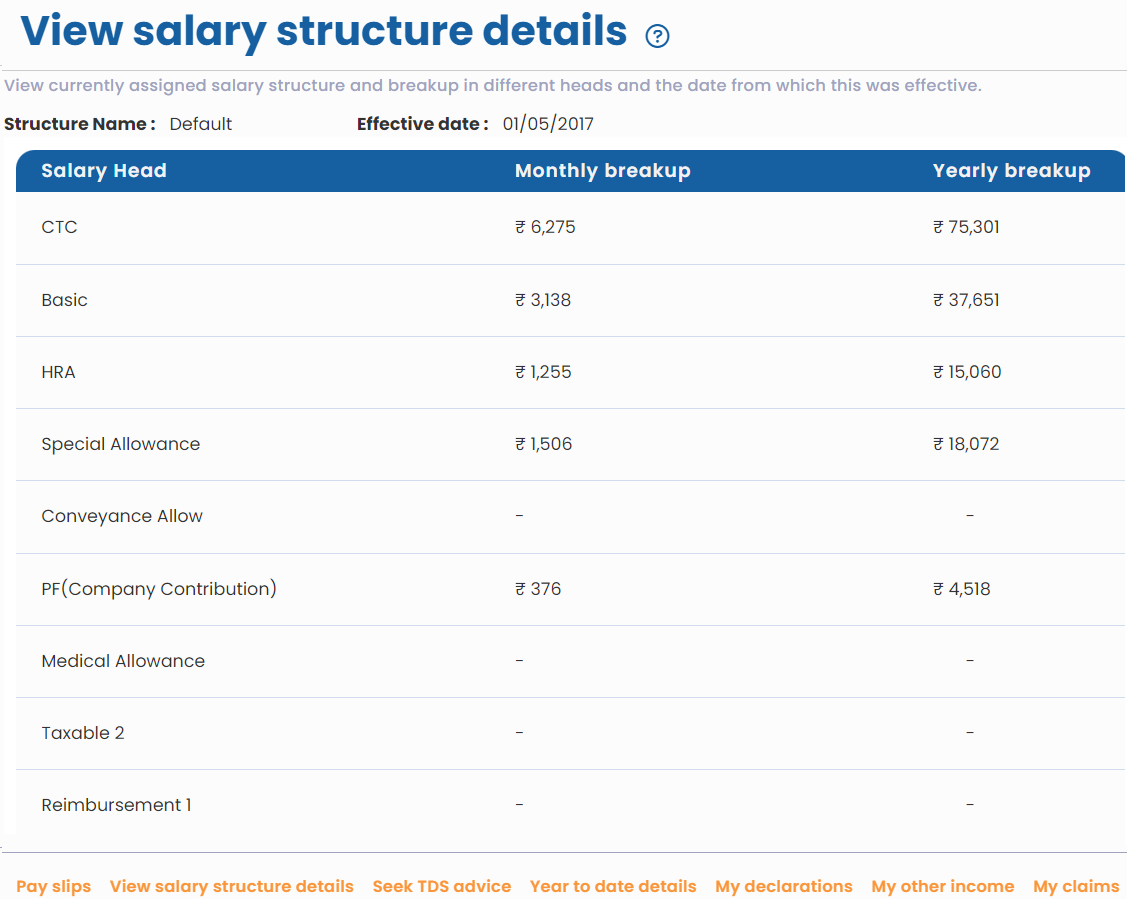
● Click View salary structure details. The page appears that displays the salary structure, including the structure name, its effective date, and head wise break up of your salary. In specific cases, when your organization allows salary head buckets, you may be able to edit specific salary heads and submit these for changes to your salary structure.
Suggested Links





