 Skip to content
This help page demonstrates steps to manage the succession pipeline within an organization. Empxtrack offers simple-to-use functionality for HR to manage succession pipelines efficiently. Leadership (CEO and other stakeholders) can view critical positions and the potential successors for key roles.
● Login to the system as an HR manager.
● Go to the Roles and features menu  and click on the Succession Planning link.
The Succession pipeline page appears.

Add a critical position
● Click Add new critical positions button.
● Select the required Job description from the dropdown and click Save.
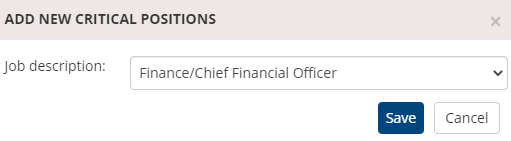
The newly created critical position is successfully added to the existing succession pipeline.
Manage employees
Once the critical position is added, HR can add potential successors for this position with the required capabilities.
● Click on the three dots icon corresponding to the critical position for which you wish to manage employees.
● Click on Manage Employees to add potential successors in the succession pipeline. A new page appears on the screen.
● Specify the name of the potential successor.
● Select a suitable Timeline in which the employee will be ready to assume the selected Job Role.
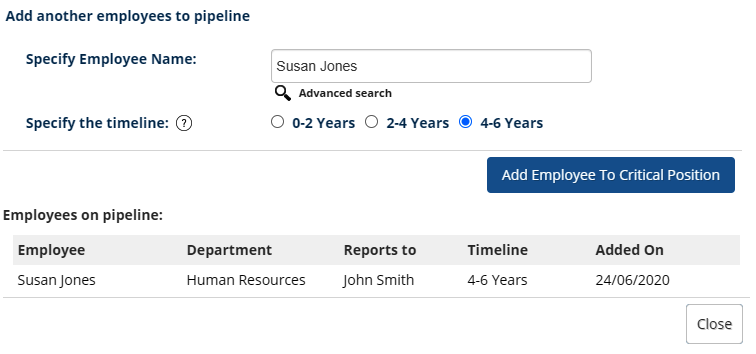
The suggested employee is added to the succession pipeline successfully.
Manage Development Plan
HR can add and modify development plans for the potential successors. The development plans are created for a specific time interval, and they are related to training, qualification, role change, and other aspects.
Suggested Links





